


Omnichannel Customer Support with AI: Keeping Context Across Every Channel
Learn how to build omnichannel customer support with AI. Covers context continuity, channel routing, escalation, and the most common integration mistakes.
Ask a customer to describe a frustrating support experience and the story usually follows the same arc: they explained their problem to a chatbot, got nowhere, called in and explained it again, were transferred to another agent, and explained it a third time. The problem wasn’t that there were too many channels. It was that none of them shared context.
Omnichannel customer support is frequently described as simply “being present on multiple channels.” That’s a surface-level definition that misses the point. The presence is easy. The hard part—and the part that actually affects customer experience—is making every channel aware of what happened on every other one.
This guide covers how to build AI support that actually delivers on the omnichannel promise: shared context, smart routing, and channel-appropriate response strategies that don’t require customers to start over every time they switch surfaces.
What omnichannel actually means (vs. multichannel)
Multichannel support means your team is reachable through multiple channels—email, live chat, WhatsApp, phone. Each channel operates independently. Agents who handle email don’t see the chat conversation. The WhatsApp bot doesn’t know a customer already opened a ticket by email yesterday.
Omnichannel support means all of those channels share a unified customer record and conversation history. When a customer moves from WhatsApp to email to a phone call, each agent and each AI interaction has full visibility into everything that came before. The customer doesn’t have to re-explain their situation, and the support team doesn’t have to re-ask for information they already have.
The gap between these two states is where most “omnichannel” implementations fall short. Teams add channels incrementally—website chat first, then WhatsApp, then email—without architecting a shared data layer underneath. Each channel has its own bot, its own knowledge base integration, its own conversation logs. The customer experience is actually worse than single-channel support because the customer now has more places to contact you without any of those places knowing what happened on the others.
True omnichannel requires a deliberate architectural decision made before you add your second channel, not after you’ve added your fifth.
The context problem: why customers repeat themselves
The context problem is both a technical problem and a design problem.
On the technical side, most support tools don’t natively share conversation data across channels. An email thread lives in your email platform. A chat conversation lives in your chat tool. A WhatsApp thread lives in Meta’s business API environment. Unless those systems are explicitly integrated into a unified customer data store—keyed by email address, phone number, or customer ID—the context is siloed by design.
On the design side, even teams with the technical integration sometimes fail to surface context correctly. A human agent can see a prior chat transcript but doesn’t read it before asking the customer to explain the problem again. An AI bot that technically has access to prior conversation history doesn’t use it to skip re-verification steps when the customer’s identity is already confirmed.
Solving the context problem requires both: the technical integration that consolidates conversation data, and the workflow design that ensures both AI and human agents actually use that context rather than defaulting to generic openers.
The specific information that needs to travel across channels:
- Customer identity: Name, email, account ID—so re-verification is skipped for returning contacts
- Issue history: What the customer contacted about before, what resolution was offered
- Channel history: Which channels the customer has used and in what sequence
- Sentiment indicators: Whether a prior interaction ended in a negative CSAT or unresolved escalation
- Order or account state: For commerce and SaaS contexts, the current state of the customer’s account, order, or subscription
Building a unified conversation thread across web chat, WhatsApp, and email
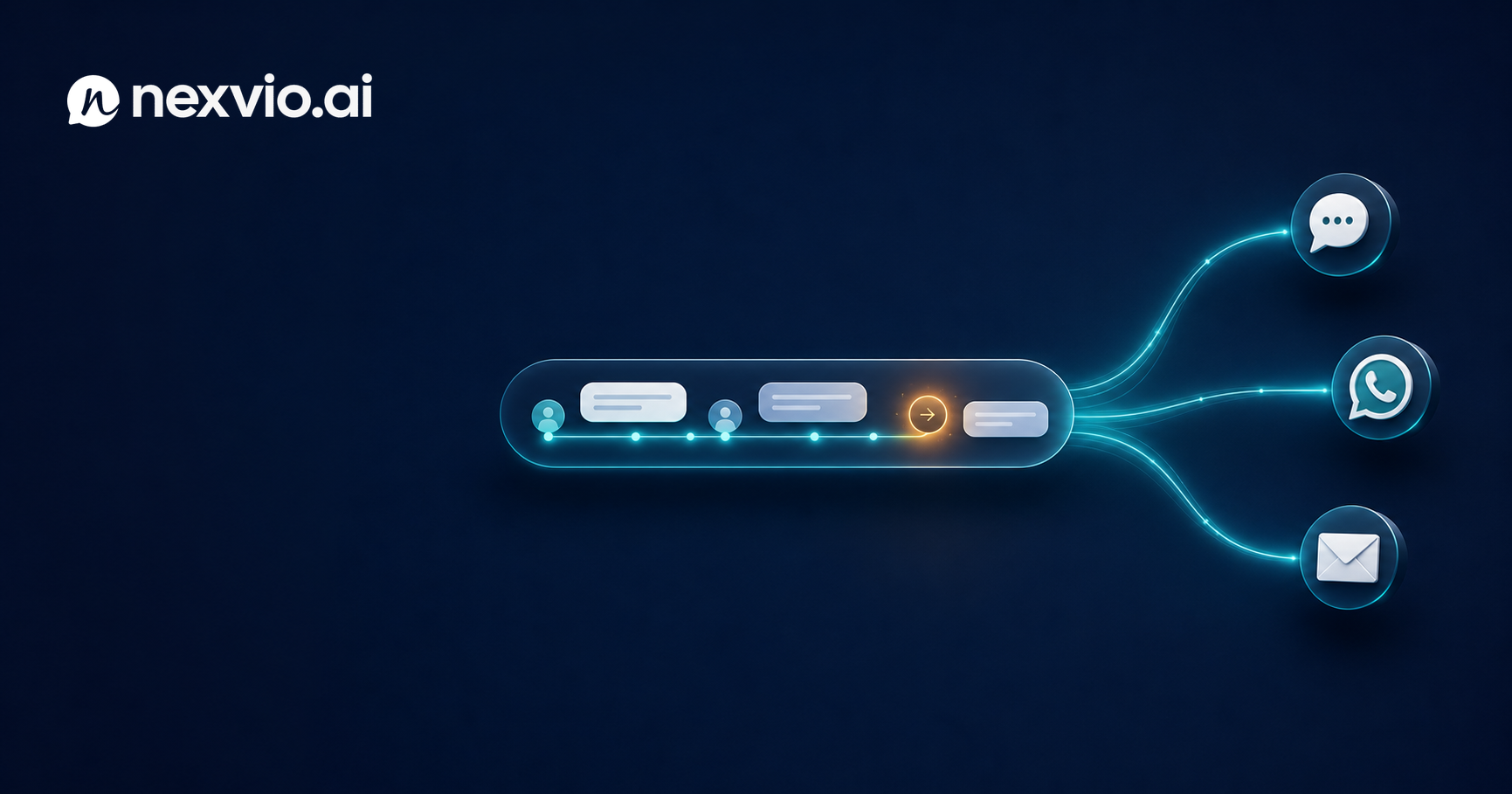
The architectural foundation for omnichannel is a unified conversation record that persists across channels. Every message a customer sends—regardless of which surface it comes through—appends to a single timeline attached to their customer profile.
In practice, this means:
-
Customer identity resolution: When a customer contacts you on WhatsApp, Nexvio links that conversation to their customer record using their phone number. When they follow up by email, the email address resolves to the same record. When they open a web chat and authenticate, all three threads are consolidated under one profile.
-
Cross-channel message threading: All messages are stored in a channel-agnostic format—sender, timestamp, channel label, message content—so a human agent or AI reviewing the timeline sees a chronological record of every interaction, regardless of which surface it came from.
-
State propagation: When the status of an issue changes—a refund is approved, a ticket is escalated, an order ships—that state update is pushed to the active channel. If the customer’s conversation is on WhatsApp, they get the update on WhatsApp. If they’ve since moved to email, the update goes to email.
For teams starting from scratch, Nexvio handles this architecture out of the box. For teams with existing support tooling, the integration pattern typically involves webhook connections from each channel into a central conversation store, with identity resolution handled at the ingestion layer.
WhatsApp integration with Nexvio is among the most requested for high-volume B2C teams, particularly in regions where WhatsApp is the primary customer communication channel. Setting it up takes 30–45 minutes if your WhatsApp Business account is already verified.
When to use each channel for AI vs. human
Not every channel is equally suited for AI-first handling. The decision should be driven by the nature of the interaction, the customer’s channel preference, and the complexity of available responses.
Web chat: Highest AI suitability. Customers expect fast, text-based answers. Rich UI elements (buttons, quick replies, embedded forms) make it easy to guide customers through structured flows. AI can handle 60–80% of web chat interactions without escalation for most businesses.
WhatsApp: High AI suitability for transactional queries (order status, appointment reminders, tracking updates). Lower suitability for complex troubleshooting because the interface doesn’t support rich formatting well. Customer expectations on WhatsApp lean toward conversational rather than formal—your AI’s tone should match.
Email: Lower AI suitability for initial triage, but high suitability for drafting. Most customers writing emails expect a considered response, not a bot reply. AI is better used here to draft suggested responses for agents rather than to respond autonomously, unless the inquiry is clearly templatable (order confirmation re-sends, password reset links, etc.).
Phone/voice: Currently outside AI’s strongest capabilities for most support use cases. Use AI for post-call summarization and ticket creation rather than live handling.
The channel strategy should also account for what the customer wants, not just what’s technically possible. A customer who emails always should be able to get a useful response by email, even if your AI handles that channel less autonomously.
Routing and escalation across channels
Omnichannel routing has to solve two distinct problems: where to route the initial contact, and where to escalate if the AI or first agent can’t resolve it.
Initial routing is straightforward with a unified customer record. When an inbound message arrives, the system checks whether the customer has an open conversation, a recent unresolved ticket, or a VIP/high-value account flag. Based on that context, it either routes to the AI for handling or immediately queues for a human if the account history warrants it.
Escalation routing is where omnichannel complexity increases. When the AI escalates a web chat conversation to a human agent, the agent needs to receive:
- The full conversation transcript, not just the last message
- The customer’s account context (orders, prior tickets, subscription status)
- The specific reason for escalation (AI low confidence, emotional signal, policy exception)
- The channel the customer is currently on—so the agent responds through the right surface
Cross-channel escalation—AI on WhatsApp escalates to a human who follows up by email—is technically possible but should be used cautiously. Most customers don’t want to switch channels mid-resolution. If they started on WhatsApp, they expect the resolution on WhatsApp. Build escalation flows that stay on the originating channel unless the customer explicitly consents to a channel switch.
If you’re evaluating what omnichannel support costs versus single-channel, the Nexvio pricing page shows how seat and volume tiers work across channel configurations.
Metrics that reveal omnichannel health
Single-channel metrics don’t capture omnichannel quality. A team that handles email well but drops WhatsApp conversations will look healthy on email-specific CSAT while hiding a serious problem. Build your reporting to surface:
- Cross-channel repeat contact rate: The percentage of customers who contact you on more than one channel about the same issue. High rates indicate context isn’t transferring.
- Channel-specific resolution rate: Resolution rate broken out by channel, not blended. If web chat resolves at 75% and WhatsApp resolves at 40%, that’s an actionable disparity, not an average.
- Escalation rate by channel: Which channels generate the most escalations? High escalation rates on a specific channel often indicate either poor AI configuration for that channel or a mismatch between channel interaction style and AI response format.
- Time-to-resolution by contact path: Customers who contact via multiple channels before resolution take longer and cost more. Tracking the distribution of resolution paths reveals where context breaks are adding friction.
- Context utilization rate: Of human agents handling escalated conversations, what percentage acknowledged or referenced the prior AI conversation context in their reply? Low rates suggest workflow, not technical, gaps.
Common integration mistakes
Adding channels without a shared identity layer: The most common mistake. Each new channel becomes its own silo. Fix this at the architecture stage, not after the fact.
Applying the same AI persona across all channels: The tone that works for web chat (“Hi! I’m here to help.”) doesn’t translate to WhatsApp, where customers expect peer-level conversation. Configure channel-specific tone parameters.
Escalating to a pool queue without channel context: When a web chat escalates to a shared inbox, the agent who picks it up needs to know it came from web chat, what was discussed, and what the customer expects next. Generic queue entries without this metadata create re-introduction friction.
Treating email as a secondary channel: For many B2B businesses, email is the primary channel. Deprioritizing AI investment in email support because chat is “more modern” leaves the highest-volume channel under-optimized.
Going live on all channels simultaneously: This is a setup for configuration debt. Problems that would be caught and fixed on one channel are multiplied across five channels. Fix them all differently. Maintenance becomes impossible.
For context on how Shopify-connected ecommerce stores handle multi-channel order inquiries specifically, see the Shopify support automation guide.
Starting with two channels before expanding
The practical advice: launch on your two highest-volume channels and run them for 60–90 days before adding a third.
The first 60 days reveal your actual escalation patterns, knowledge base gaps, and routing edge cases. Adding a third channel before those are resolved means carrying those problems into a new surface and making them harder to diagnose.
Your two starting channels should be:
- Your highest-volume channel (usually web chat or email for most businesses)
- The channel with the most context-loss complaints (often WhatsApp or phone handoffs)
Starting with the channels where the pain is most visible gives you clear before/after benchmarks and builds internal confidence in the omnichannel approach before you invest in additional integrations.
FAQ
Does omnichannel AI support require replacing my existing helpdesk?
Not necessarily. Nexvio integrates with existing helpdesk tools rather than replacing them. The AI layer sits in front of your helpdesk, handles what it can, and routes the rest into your existing agent workflow with full context attached. Whether you’re using Zendesk, Intercom, or a custom system, the integration path is generally additive.
How do you handle customers who want to stay on a specific channel?
Respect the preference. If a customer always contacts by email, don’t push them toward WhatsApp because it’s cheaper to automate. Design your AI to deliver a quality experience on whichever channel the customer chooses, rather than steering them toward your preferred low-cost channel.
What happens when a customer contacts on a channel where they haven’t been verified before?
The first contact on a new channel triggers a lightweight identity confirmation—email address, phone number, or order number—that links the new channel to the existing customer record. After that link is established, future contacts on that channel skip re-verification.
Can AI handle channel-switching mid-conversation?
It can recognize when a customer references a prior interaction on a different channel, but it can’t automatically transfer an active conversation between channels. The customer has to initiate the new channel contact. What the AI can do is immediately surface the prior context when the new contact arrives, so the customer doesn’t have to re-explain.
How do I know when I’m ready to add a third channel?
When your first two channels have stable resolution rates, escalation rates are below your target threshold, and the knowledge base covers your top 20 ticket types with at least 70% deflection. Adding channels before that baseline is established compounds unresolved problems rather than extending a working system.
Conclusion
Omnichannel support with AI isn’t a product feature—it’s an architectural decision. The technology to route, respond, and escalate across channels exists. The discipline to build a shared customer context layer before adding channels, to configure AI behavior for each channel’s norms, and to measure resolution at the channel level rather than the aggregate—that’s where omnichannel implementations succeed or fail.
Start with two channels. Get the context layer right. Build escalation triggers that honor channel preferences. Measure the gaps. Then expand.
When your context architecture is ready, the customer experience improvement is immediately visible. Customers stop repeating themselves. Agents stop asking questions they already have answers to. Resolution times drop.
Book a demo with Nexvio to walk through how omnichannel context works across your specific channel mix.