


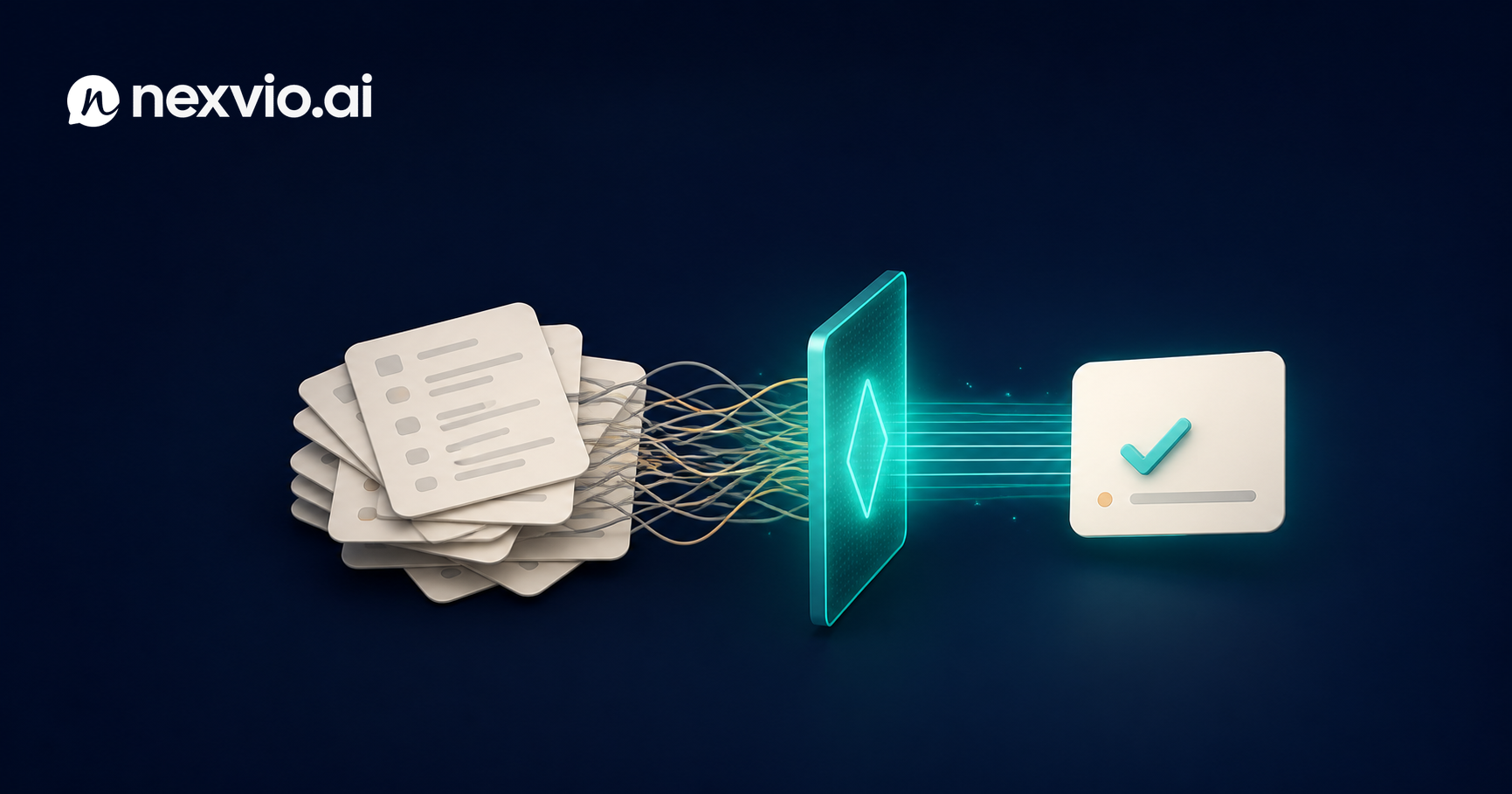
Help Center Optimization for Better AI Answers
Discover why most help centers produce poor AI answers and how to restructure your knowledge base content for accurate, confident AI responses.
A poorly written help center is not just a problem for customers searching on their own. It is a direct liability for any AI chatbot trained on that content. When your knowledge base is vague, inconsistent, or buried in policy language that no one wrote for retrieval, the AI does not compensate — it reflects the problem back to your customers in the form of wrong answers, half-answers, and confident-sounding non-resolutions.
Most support teams treat help center optimization for AI as a secondary concern. They assume the AI will figure it out, or that adding more articles will improve coverage. The opposite is often true. More poorly structured content gives the AI more material to retrieve incorrectly. Quality and structure matter more than volume.
This article is a practical guide to diagnosing and fixing the content problems that consistently produce bad AI answers — written for support leaders who already have a help center and want to make it work properly as an AI knowledge source.
Why Bad Help Center Content Produces Bad AI Answers
AI chatbots using retrieval-augmented generation work by pulling relevant chunks from your knowledge base and using them to construct a response. The quality of that response depends entirely on what gets retrieved and how clearly it is written.
Three things go wrong when help center content is poorly structured:
The AI retrieves the wrong article. If multiple articles cover overlapping territory without clear disambiguation, the AI cannot reliably identify which one applies to the customer’s situation. It may blend content from two articles, or return the more general one when the customer needed the specific one.
The AI retrieves the right article but extracts the wrong information. Long, narrative-style articles bury key facts in paragraphs. The AI may retrieve a 900-word article about your return policy and surface the part about standard returns when the customer is asking about a warranty claim.
The AI hallucinates to fill gaps. When no article covers the customer’s question with sufficient specificity, AI systems sometimes generate plausible-sounding answers using their general training data rather than your actual policy. This is the most dangerous failure mode. The answer sounds confident and specific but may contradict your actual procedures.
All three failure modes originate in content problems, not AI problems. Fix the content and the AI answers improve without any model changes.
The 5 Structural Problems Most Help Centers Have
After auditing content across dozens of support organizations, the same five structural issues appear repeatedly.
1. One article trying to answer too many questions. A single article titled “Returns, Exchanges, and Refunds” that covers all three topics, all product types, and both domestic and international customers produces unreliable AI retrieval. Split it. Each article should answer one primary question for one primary audience.
2. Missing explicit answers. Help center articles are often written as explanations rather than answers. They describe how a process works without ever stating the answer directly. “Our team reviews return requests within 3–5 business days” buried in paragraph four is not as retrievable as a bolded answer at the top: Standard return processing time is 3–5 business days.
3. Outdated content that has never been flagged. Stale articles with old pricing, deprecated product features, or superseded policies are poison for AI systems. The AI retrieves them with the same confidence it retrieves current content. Establish a review cadence and add a visible “last reviewed” date to every article.
4. Jargon and internal terminology. Internal teams write articles using internal vocabulary. Customers search using their own words. If your article uses “order fulfillment adjustment” and customers ask about “changing their order,” retrieval fails because the language does not match.
5. No structure within articles. Walls of text without headers, bold terms, or structured lists make it harder for AI to extract specific facts. The AI reads your content in chunks — poorly organized content produces poorly bounded chunks.
Writing for Retrieval: How AI Reads Your Content Differently from Humans
When a human reads a help center article, they scan for the relevant section, skip what they know, and stop when they find their answer. They bring context and inference.
When an AI system reads your content, it processes it in chunks — typically 200 to 500 words — and ranks those chunks for relevance to the customer’s query. The chunk that matches best gets used to generate the answer. The AI has no concept of “skipping ahead” or “this paragraph is less relevant.” Every sentence in a chunk carries weight.
This has four practical implications:
- Put the answer first. Start every article and every section with the direct answer. Supporting explanation comes after. This is the opposite of how many policy documents are written, which build to the answer through context.
- Match customer language. Use the words customers actually use in the article text. If customers search “cancel my subscription,” your article should include that phrase, not just “account termination procedures.”
- One concept per section. If a section tries to explain two things, the AI may blend them when only one is relevant.
- Be explicit about scope. If an article applies only to US customers or only to Pro plan subscribers, say so in the first sentence. AI systems do not reliably infer scope from context.
If you want to understand how this connects to AI training more broadly, our post on how to train an AI chatbot on your knowledge base goes deeper into the technical and content preparation side.
Article Length and Chunking: The Goldilocks Problem
There is no universal correct article length for AI retrieval, but there are two failure zones.
Too short: An article under 150 words often lacks enough context for the AI to generate a complete answer. The AI retrieves the chunk but has to fill in details from elsewhere, which introduces inaccuracies.
Too long: An article over 1,200 words, unless carefully structured with headers, becomes unreliable for retrieval. The AI extracts a chunk from a section that may or may not contain the relevant answer, and dense articles increase the chance of retrieval landing in the wrong section.
The working range for most help center articles intended for AI retrieval is 300–800 words per article, with clear H2 and H3 structure for anything longer. For genuinely complex topics — multi-step technical processes, policies with many edge cases — use a parent article that links to child articles for each subtopic rather than one long document.
For process articles, numbered steps dramatically improve AI answer quality. The AI can extract step 3 reliably when it is labeled “Step 3.” It cannot reliably extract the third action from a run-on paragraph.
Explicit Answer Formats vs. Narrative Writing
Policy and procedural writing in support organizations tends to default to narrative style. That is appropriate for legal documents. It is actively harmful for AI-retrievable help centers.
Compare these two formats for the same information:
Narrative format: “In the event that a customer is dissatisfied with their purchase and wishes to initiate a return, our customer experience team will process the request upon receipt of the item and issue a refund to the original payment method within 5 to 7 business days of the return being received at our facility.”
Explicit answer format:
How long does a refund take? Refunds are processed within 5–7 business days of receiving your returned item. The refund goes back to your original payment method.
The explicit format tells the AI exactly what question is being answered and what the answer is. The narrative format makes the AI work to extract information that should be obvious. When your AI system is processing hundreds of conversations per hour, the explicit format wins every time.
This is also better for human readers, but the AI benefit is the part most teams have not internalized yet.
Handling Policy Documents: Terms, Returns, SLAs
Policy documents present a specific challenge: they are legally precise but written in language optimized for legal defensibility, not retrieval. Your full terms of service should not be a knowledge base source for your AI chatbot.
Instead, create policy summary articles that extract the customer-relevant facts in plain language and link to the full policy document for reference. For each policy area, write a dedicated article that answers:
- What is the policy (in one sentence)?
- What are the conditions that apply?
- What does the customer need to do?
- What exceptions exist?
A returns policy summary article that answers those four questions in under 500 words will outperform a linked PDF of your full terms every time. The AI can retrieve and use the summary. It cannot reliably navigate a 40-page terms document.
For SLAs, be explicit about timeframes in plain numbers: “We respond to all billing inquiries within 4 business hours.” Do not write “in a timely manner” or “as quickly as possible.” Vague commitments produce vague AI answers.
If you are ready to see what a well-structured knowledge base looks like in practice alongside AI tooling, review our pricing plans to understand how Nexvio’s knowledge base integration works at different scales.
Internal Linking in Help Center Content
Internal links between related articles improve AI retrieval in two ways. First, they signal topic relationships that the AI can use to surface follow-up information. Second, they prevent customers from hitting dead ends if the AI answer is incomplete and the customer wants to read more.
Good internal linking practice for AI-optimized help centers:
- Link to related articles at the bottom of each article under a “Related articles” heading
- Within article text, link specific phrases — “how to process an exchange” not just “click here”
- Create hub articles for major topic areas (billing, shipping, returns) that link to all child articles on that topic
- Keep link text descriptive and specific so the AI understands the relationship
Avoid circular linking patterns (Article A links to Article B which links back to Article A with no new information). These confuse retrieval ranking without adding value.
Measuring Content Quality: Unanswered Rate, Resolution Rate, and Edit Frequency
The standard help center metric is page views. That tells you nothing about AI answer quality. Add these to your content measurement framework:
Unanswered rate: What percentage of AI conversations end with “I don’t have information about that” or a fallback escalation triggered by lack of relevant content? High unanswered rate means coverage gaps.
Resolution rate by article: Which articles, when retrieved, lead to conversations that resolve without escalation? Low-resolution articles are candidates for rewriting.
Edit frequency: How often do articles get updated? Infrequently updated articles are at risk of becoming stale. Set calendar-triggered reviews for any article that hasn’t been touched in 90 days.
Customer search terms with no results: Most help center platforms expose this data. These are the topics customers are looking for that you have not written about yet.
Escalation topic mapping: When conversations escalate, what were they about? If the same topics escalate repeatedly without resolution, you have a content gap in those areas.
Review these metrics monthly and treat your help center as a living product, not a finished document repository. The highest-performing support teams assign explicit content ownership — a named person responsible for each topic area — and build help center audits into their regular workflow.
FAQ
Why does a good help center make AI answers better? AI chatbots retrieve and use your knowledge base content to construct answers. Clear, structured, explicitly formatted content allows the AI to find the right answer and present it accurately. Vague or poorly organized content produces vague or wrong answers.
How long should help center articles be for AI retrieval? Articles between 300 and 800 words with clear headers tend to perform best. Very short articles lack enough context; very long articles make it harder for AI to find the specific relevant section.
Should I include my full terms of service in the AI knowledge base? No. Create plain-language policy summary articles that extract the customer-relevant facts. Link to the full terms for reference but do not use the legal document itself as a retrieval source.
What metrics tell me if my help center content is working for AI? Track unanswered rate, resolution rate by article, escalation topic patterns, and customer search terms that return no results. Page views alone do not indicate AI answer quality.
How often should I review help center articles? Any article that has not been reviewed in 90 days should be flagged for audit. High-traffic articles or those covering policies that change frequently should be reviewed more often, at least quarterly.
Conclusion
Help center optimization for AI is not a one-time project. It is an ongoing content discipline. The teams that get the best results from AI customer service are not the ones with the most articles — they are the ones with the most clearly written, well-structured, explicitly formatted content that the AI can retrieve and use with confidence.
Start with the five structural problems. Fix the articles that are too long, too vague, or too narrative. Add explicit answers at the top of every section. Build a measurement framework that tracks what the AI actually does with your content, not just how many people click on your help center.
The AI will only be as good as what you give it to work with. Give it clean, structured, retrievable content and the answer quality improvement follows directly.
Ready to see how Nexvio connects your knowledge base to your AI chatbot and surfaces content quality issues automatically? Book a demo and we’ll walk through your specific content setup.