


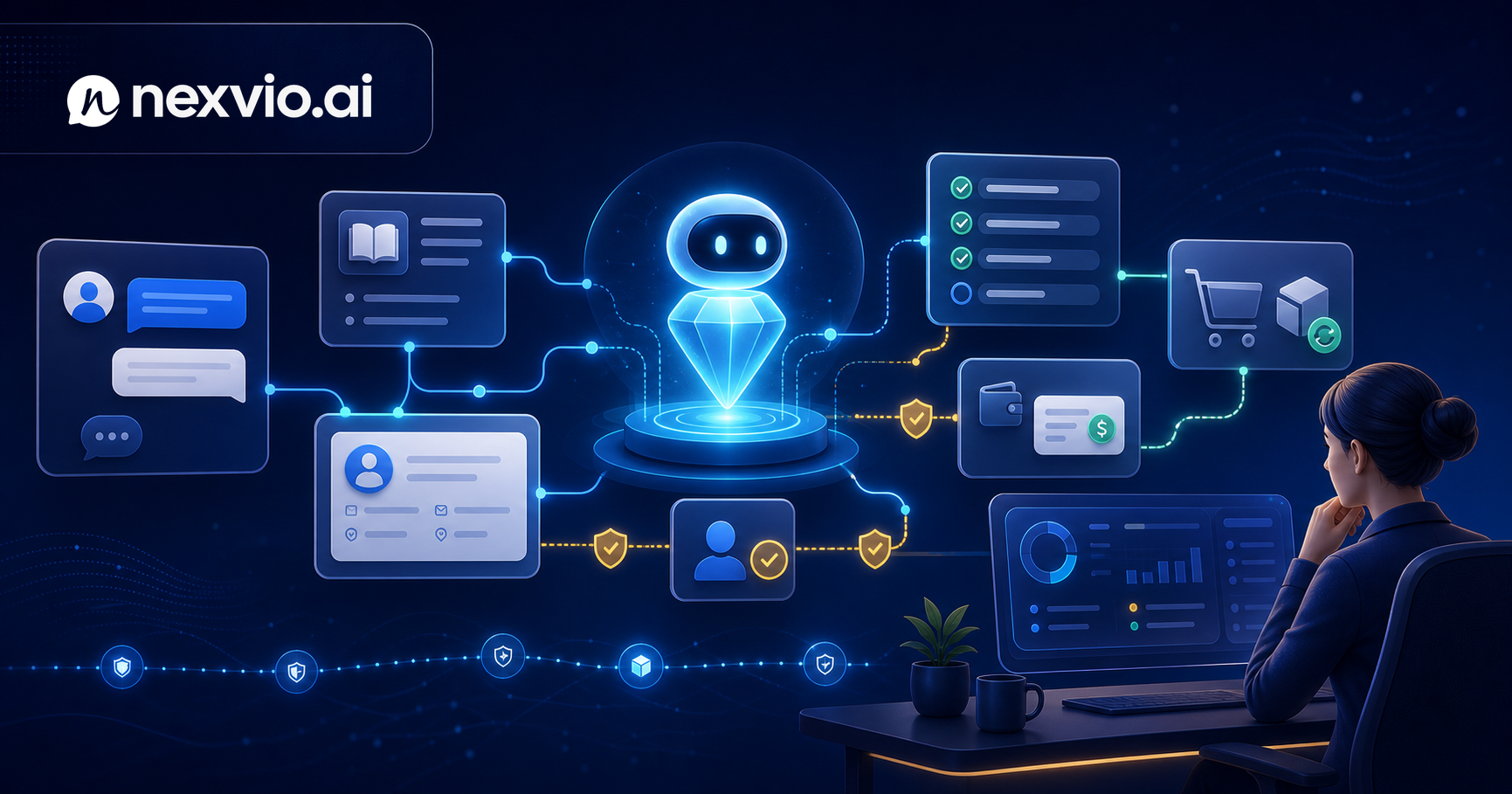
Agentic Customer Service Explained
Agentic customer service moves AI beyond answers into actions. Learn what it means, how it works, and what your team needs to make it real.
There is a meaningful difference between an AI that answers a customer’s question and an AI that solves the customer’s problem. Most of what gets sold as AI customer service today is the former. Agentic customer service is the latter — and understanding the distinction is now one of the most important decisions a support leader can make about where to invest.
This article is not a vendor pitch. It is an honest account of what “agentic” actually means in a support context, what the technology can do right now, where the hype still outruns reality, and what your organization needs to have in place before any of it works.
The Shift From Answering to Acting: What “Agentic” Means in Support
The word agentic comes from the word agency — the capacity to take independent action toward a goal. In the context of AI, an agentic system does not just generate text in response to a prompt. It reasons about what needs to happen, selects and calls tools to make it happen, and evaluates whether the outcome was successful.
In a support context, that distinction is stark. A standard AI chatbot can tell a customer that the return window is 30 days. An agentic AI can initiate the return, generate the prepaid label, send it to the customer’s email on file, and update the order record in the OMS — within the same conversation, without human involvement.
That gap — between informing and doing — is the entire point of the agentic framing. When customers contact support, they are rarely looking for information alone. They are looking for an outcome. Agentic AI is built to deliver outcomes.
How Agentic AI Differs From LLM Chatbots
Large language model (LLM) chatbots represent a substantial leap over rule-based decision trees. They understand natural language, handle paraphrasing, manage ambiguity, and can draw on a knowledge base to give contextually relevant answers. For many support teams, well-configured LLM chatbots have meaningfully improved deflection rates.
But LLM chatbots are fundamentally response-generation systems. They produce text. They do not call APIs, write to databases, or modify records in external systems. Every resolution they deliver stops at the information layer.
The key architectural differences between an LLM chatbot and an agentic AI system are:
- Tool use: Agentic systems can call external APIs — your CRM, OMS, billing platform, scheduling system — and act on what they retrieve.
- Multi-step reasoning: Rather than producing a single response, an agentic system plans a sequence of actions, executes them, and evaluates results.
- State management: Agentic systems track what has been done in a conversation, what succeeded, what failed, and what still needs to happen.
- Goal orientation: The system is oriented toward resolution, not just response. It knows when the task is complete.
These differences compound. An LLM chatbot that cannot act can only resolve questions that are resolved by information. An agentic system can resolve questions that require action — and those are often the highest-frustration, highest-cost tickets in your queue.
The Action Spectrum: Lookup → Draft → Execute → Coordinate
Not all agentic actions are the same. It helps to think of a spectrum from least to most consequential:
Lookup — The agent retrieves data from an external system and presents it in the conversation. Order status, account balance, subscription details, appointment history. No data is modified. Risk is low.
Draft — The agent prepares an action for human review. It generates a refund request, a case summary, a drafted reply. A human approves before anything is submitted. Risk is managed through human-in-the-loop confirmation.
Execute — The agent completes a transaction autonomously. Issues a refund up to a defined threshold, updates an address in the CRM, reschedules an appointment, resets a password. Risk is managed through guardrails: thresholds, eligibility rules, confirmation steps.
Coordinate — The agent orchestrates across multiple systems or multiple agents. A customer wants to cancel a subscription, receive a prorated refund, and be downgraded to a free tier. The agent sequences across billing, CRM, and email systems to complete all three steps. Risk requires careful audit design.
Most real deployments today operate confidently in the lookup and execute tiers. The coordinate tier is emerging and is where the next wave of deflection gains will come from.
Agentic Use Cases That Are Real Now
The hype around agentic AI tends toward science fiction. The reality is more useful and more attainable. These use cases are live in production deployments today:
Order modifications — A customer contacts support to change a delivery address before shipment. An agentic system verifies that the order is in a modifiable state, updates the address in the OMS, confirms the change to the customer, and closes the ticket. Handling time: under 60 seconds. Human involvement: zero.
Refund processing — A customer reports a defective product. The agent verifies purchase history, confirms the item is within return policy, checks refund eligibility rules, processes the refund through the payment processor, and sends a confirmation email. For straightforward cases, no human touches the ticket.
Account updates — Email address changes, notification preference updates, password resets, plan downgrades that don’t require sales involvement. These are high-volume, low-complexity, and expensive in aggregate when handled by humans.
Appointment rescheduling — Service businesses and healthcare-adjacent platforms use agentic AI to let customers reschedule without calling in. The agent checks availability, cancels the existing slot, books the new one, sends confirmation, and updates the calendar integration. Resolution rate for this use case is typically above 90%.
Subscription management — Pause, resume, downgrade, and upgrade flows that are policy-defined can be fully automated. The agent applies eligibility rules, makes the modification, and communicates the outcome with any relevant billing implications.
Ready to see what agentic resolution could look like for your support queue? Book a demo with Nexvio and bring your top five ticket types.
What You Need to Enable Agentic Support
Agentic AI does not emerge from buying a platform. It emerges from a set of preconditions that most teams need to build toward deliberately.
Data access — The agent needs to read customer data in real time. That means API access to your CRM, order management system, billing platform, and any other system that holds relevant customer state. Read access is the foundation; write access enables action.
Action APIs — For every action you want the agent to take, there must be an API endpoint that accepts that action. Most modern platforms expose these; legacy systems often do not. Before scoping an agentic deployment, audit what actions are API-accessible.
A clean knowledge base — Agentic systems still rely on documented policies to know what they’re allowed to do. If your return policy, refund eligibility rules, and escalation criteria exist only in the institutional knowledge of your senior agents, the AI has nothing to work from.
Guardrails and eligibility logic — Every automated action should have a set of conditions under which it is permitted. Refunds above a threshold require human approval. Account modifications on flagged accounts require review. These rules need to be explicit and encoded, not assumed.
A defined escalation path — Agentic systems should recognize when a situation is outside their scope and escalate cleanly — with context — to a human agent. That path needs to be designed before go-live, not improvised during incidents.
Risk Design for Agentic Actions
The ability to take action is also the ability to take the wrong action. Risk design for agentic systems is not an afterthought — it is a core part of the architecture.
Confirmation steps — For consequential actions (issuing a refund, canceling a subscription), require explicit customer confirmation before execution. “I’m going to process a refund of $47.00 to your Visa ending in 4242. Shall I proceed?” This is a small friction that prevents a significant category of errors.
Thresholds — Define the maximum value of any action the agent can take autonomously. A refund under $25 can be automated without review; above $100 requires a human. These thresholds should reflect your actual risk tolerance and be revisited quarterly as you build confidence.
Rollback capability — For any action that can be undone (address updates, appointment changes, plan modifications), ensure the system can reverse it and that the reversal is logged. Design rollback before you need it.
Audit trails — Every agentic action should generate a log entry: what was done, under what conditions, based on what inputs, at what timestamp. This is not just for debugging — it is for compliance, dispute resolution, and continuous improvement.
Human escalation triggers — Define the signals that cause the agent to stop acting and hand off: customer frustration signals, requests for manager, values above threshold, ambiguous eligibility, system errors during execution.
More on governance and audit design for AI systems is covered in the AI governance for customer service guide.
The Organizational Readiness Question
Agentic AI is not a technology problem for most teams — it is an organizational readiness problem. Before asking whether the technology is ready, ask whether your organization is.
Is your ticket data organized? — You need to know what your agents are doing now, which ticket types are highest volume, and which are most automatable. If you don’t have this visibility, start there.
Are your policies documented? — Return policies, refund rules, escalation criteria, account modification workflows. If these live in people’s heads, document them before you try to automate them.
Is your technical team aligned? — Agentic deployments require API access to production systems. That is a security and infrastructure conversation that needs to happen before you select a vendor.
Is your support leadership ready for a new measurement model? — When agentic AI is working, agents handle fewer tickets but more complex ones. Performance metrics need to shift accordingly. This requires change management, not just technology change.
What Agentic Support Looks Like in Practice: A Day in the Life
It is 2:17 a.m. EST. A customer in the UK contacts support through the website chat.
She ordered a birthday gift for her daughter, the wrong size arrived, and she needs the correct size delivered before Saturday. She is not happy.
Without agentic AI: she submits a ticket, gets an acknowledgment, and waits until the US team comes online at 9 a.m. The agent who picks it up asks for her order number. She responds. The agent checks the OMS, confirms the error, processes the exchange, sends a label, and updates the order. Total elapsed time: 11 hours. Customer frustration: high.
With agentic AI: the system identifies the issue from her message, looks up her order, confirms that an incorrect size was shipped, verifies that the correct size is in stock, initiates the exchange, generates a prepaid return label, sends it to her email, and confirms the Saturday delivery estimate — all within four minutes of her first message. No human is involved. Customer frustration: resolved.
That is not a thought experiment. That is a workflow that is in production in e-commerce support operations today.
Where the Hype Ends and the Reality Begins
Here is the honest accounting:
What is real now: Lookup, eligibility-gated execution, single-system actions, high-volume repeatable workflows, and context-preserving escalation for everything outside scope.
What is emerging: Multi-system coordination, cross-agent orchestration, proactive outreach based on signals, and autonomous judgment in ambiguous situations.
What is still hype: Fully autonomous support for complex, emotionally sensitive, or legally consequential cases. Human judgment is not going away — it is being redirected toward the situations that genuinely require it.
The teams that will extract the most value from agentic AI in the next 18 months are not those who believe the most ambitious vendor claims. They are those who identify a narrow set of high-volume, well-defined workflows, instrument them properly, and expand from demonstrated results.
For a deeper comparison of where agentic systems sit relative to earlier chatbot architectures, see AI agent vs chatbot for your support stack. When you’re ready to evaluate specific platforms and what to look for, how to evaluate AI agents for customer service is a useful follow-on.
FAQ
What is the difference between agentic AI and a regular AI chatbot in support?
A regular AI chatbot generates text responses — it can answer questions based on your knowledge base. An agentic AI can take actions: it calls APIs, modifies records, processes transactions, and coordinates across systems. The practical difference is that agentic systems can resolve problems that require doing something, not just saying something.
Which ticket types are best suited for agentic automation?
Tickets where the resolution is deterministic — meaning there is a defined policy and a system of record that can verify eligibility and execute the action. Order modifications, returns initiation, address updates, appointment rescheduling, and plan changes are the highest-ROI starting points. Emotionally sensitive or legally complex situations are not good candidates for initial agentic deployment.
How do you prevent agentic AI from making costly mistakes?
Risk design: confirmation steps before consequential actions, value thresholds that cap autonomous execution, clear eligibility rules encoded in the system, rollback capability for reversible actions, and full audit logging of every action taken. The goal is not to prevent the AI from acting — it is to ensure every action is bounded, logged, and reversible where possible.
Do you need to replace your existing helpdesk to implement agentic AI?
No. Agentic AI platforms typically integrate with existing helpdesks (Zendesk, Freshdesk, Intercom, Salesforce Service Cloud) via API. They add agentic capability on top of your existing stack rather than replacing it. The integration work is in connecting the AI to your OMS, CRM, and other action-capable systems.
What does it cost to implement agentic customer service?
Cost varies significantly based on the number of systems you need to integrate, the volume of tickets, and the complexity of your eligibility rules. The ROI case is typically built on cost-per-resolution comparison: human agent cost per ticket versus fully loaded agentic resolution cost. For high-volume teams, payback periods under 12 months are common. Use the Nexvio ROI calculator to model your specific numbers.
Conclusion
Agentic customer service is not a future state — it is a production reality for support teams that have done the prerequisite work: data access, action APIs, documented policies, and guardrail design. The gap between an AI that answers and an AI that resolves is the gap between deflection that looks good on a dashboard and resolution that makes customers genuinely successful.
The teams getting the most from this technology right now are not the ones who bought the most impressive platform. They are the ones who identified three to five well-defined, high-volume workflows, built the integrations to support agentic action on those workflows, measured honestly, and expanded from there.
If you want to see what agentic resolution could look like in your support environment — with your ticket types and your integrations — book a demo with Nexvio. We’ll show you what is automatable today and what the path forward looks like from there.