


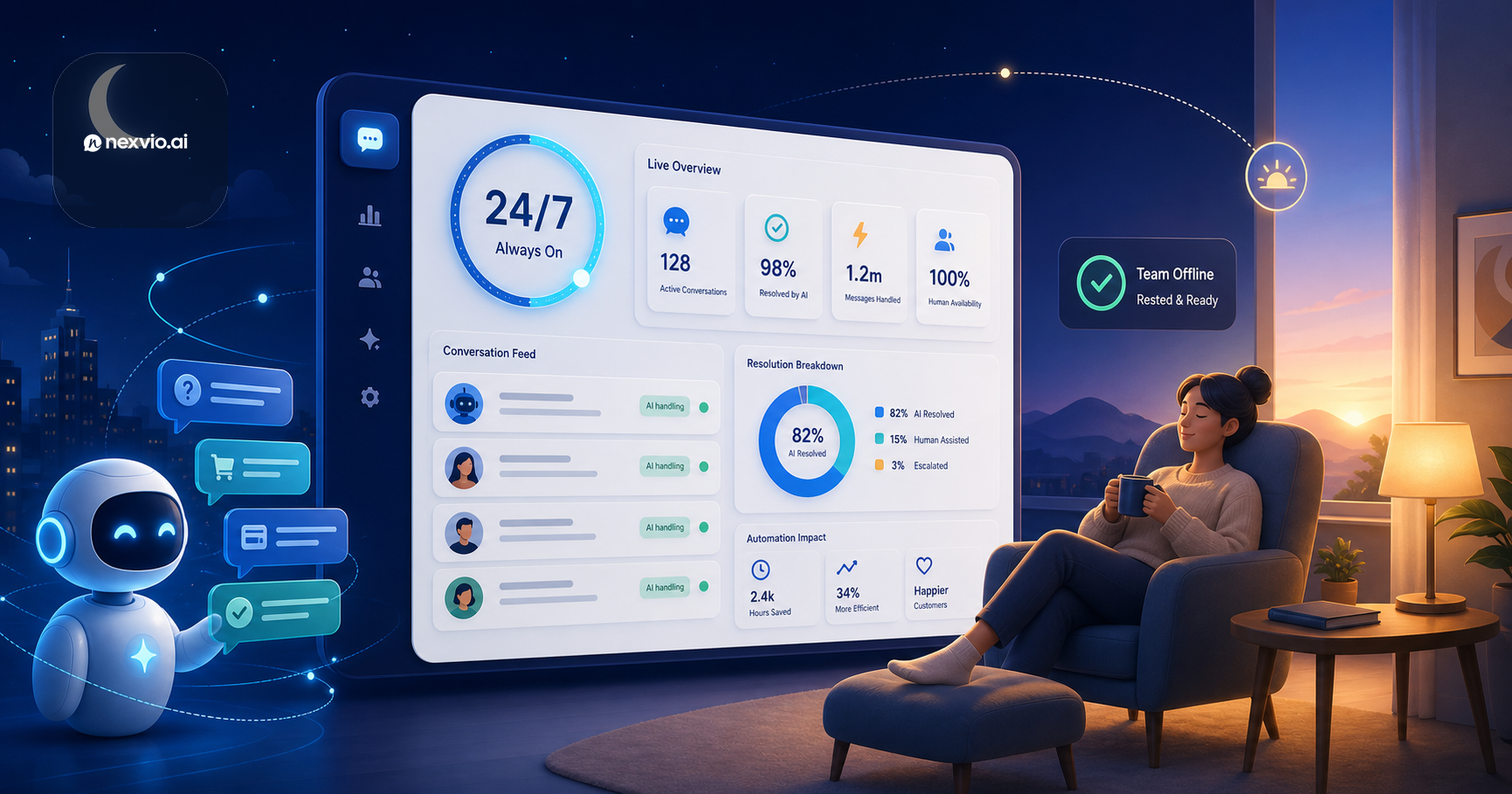
How to Deliver 24/7 Support Without Burning Out Your Team
Learn how to build genuine 24/7 customer support coverage using AI automation — without exhausting your team or letting overnight quality slip.
Customer expectations for response time have moved faster than most support teams can staff. A 2023 Salesforce survey found that 83% of customers expect to interact with someone immediately when they contact a company. “Immediately” increasingly means within minutes — not hours, and certainly not the next business day. Yet the overwhelming majority of support teams still operate on business-hour coverage models, with a skeleton crew or no coverage at all overnight and on weekends.
The gap between what customers expect and what most teams deliver creates a compounding problem: customer dissatisfaction accumulates overnight, tickets age into frustration, and teams start Monday morning staring at a backlog they spend the week chasing. The instinctive response — extending shifts, adding on-call rotations — burns out the people who are keeping the operation running.
24/7 customer support AI offers a genuine solution to this problem, but only when it is implemented thoughtfully. Adding a chatbot that deflects tickets into a void is not the same as providing coverage. This article is about building real after-hours support that handles the right things, escalates the right things, and does both in a way that preserves team morale and maintains quality.
The 24/7 Problem: Customer Expectations vs. Team Reality
Most support teams have done the math on 24/7 human coverage and concluded it does not work financially. For a small or mid-sized team, staffing genuine around-the-clock human support across three shifts, seven days a week, requires roughly 4x the headcount of a single-shift operation once you account for shift overlap, PTO coverage, and weekend premiums. For most companies, that number is not close to realistic.
The result is a compromise that satisfies no one. Teams extend their on-call rotations, burning out tenured staff who field 2am emergencies for issues that are not actually emergencies. Or they implement a chatbot that collects tickets overnight but does nothing useful with them, leaving customers with a confirmation email and a wait until morning.
The better model separates the question of what can be resolved automatically from what genuinely requires a human. Most overnight contacts fall into categories that AI can handle fully and immediately. A smaller set requires human judgment, and for those, the question is not how to staff overnight — it is how to design the escalation path so the right person is reached without burning everyone out.
What to Automate First for Overnight Coverage
Not every overnight query is equal. Some require account changes, judgment calls, or empathy that only a human can provide. Most do not. The categories that AI handles reliably — and that make up the bulk of after-hours volume in most support queues — include:
- Password resets and account access issues: Fully automatable end-to-end with identity verification flows
- Order status and shipping updates: AI can query your order management system and return current status instantly
- FAQ-tier product questions: Return policy, hours, service area, plan features, pricing — anything with a definitive answer in your knowledge base
- Booking confirmations and appointment changes: If your platform supports calendar integration, AI can confirm, reschedule, and cancel bookings without agent involvement
- Subscription status and basic billing inquiries: Plan details, next billing date, payment method on file — readable and presentable by AI with appropriate auth
- Basic troubleshooting flows: Step-by-step guides for common technical issues, especially those with documented resolutions
In a typical support queue, these categories represent 60–75% of contact volume. Automating them overnight does not mean customers get worse service — it means they get an immediate, accurate answer at 11pm instead of a “we’ll get back to you” email that sits until Monday.
Use our AI chatbot ROI calculator to estimate what overnight automation would mean for your specific ticket volumes and team cost structure before you begin planning.
Building Escalation Confidence: What AI Handles vs. What Waits for Humans
The hardest design decision in round-the-clock support is defining the boundary between what AI resolves independently and what it holds for humans. Getting this wrong in either direction creates problems: too conservative and the automation adds no value; too aggressive and customers with real problems get stalled.
A useful framework for drawing this boundary uses three categories:
Resolve now: The AI has the information and authority to close the issue completely. Password resets, order status, FAQ answers, booking confirmations. No human involved.
Hold and inform: The AI cannot resolve the issue — it requires human access, a judgment call, or account-level action — but it can acknowledge the contact, collect relevant details, and set a specific response time expectation. The customer knows they will hear back at 9am and why. This is infinitely better than silence.
Escalate now: A small set of issues cannot wait until business hours under any circumstances. Fraud reports, safety-related concerns, account security compromises, and critical service outages require a human response regardless of time. These should trigger an on-call escalation, not get queued with routine overnight tickets.
Defining these categories explicitly — and mapping your issue types to them before you deploy — is the work that separates a useful always-on customer service system from one that creates more problems than it solves.
Setting Customer Expectations for Overnight Response Times
One of the lowest-cost improvements to overnight support quality is also one of the most underused: telling customers clearly and specifically when they will hear back.
A response like “we’ll get back to you as soon as possible” is worse than a specific commitment because it creates uncertainty that customers experience as anxiety. They do not know if “as soon as possible” means 30 minutes or 30 hours.
A well-designed after-hours AI interaction should include:
- Acknowledgment that the contact was received and what the issue is
- Explanation that the specific issue requires a team member who is not currently available
- Specific response time: “A member of our billing team will follow up by 9am EST” — not “within 24 hours,” not “as soon as possible”
- Confirmation channel: Will they get an email? A chat follow-up? A phone call? Tell them.
- Option to add information: Invite them to leave any additional context that will help the human team resolve it faster
This pattern — acknowledge, explain, commit, confirm — consistently reduces callback rate, repeat contacts, and customer frustration relative to generic deflection messages. The customer feels handled, not ignored.
Monitoring AI Quality During Off-Hours
Support teams cannot watch overnight AI interactions in real time, but they can design monitoring that catches quality problems before they accumulate.
Set up automated alerts for:
- High escalation rate: If AI escalation volume spikes above a threshold during off-hours, something is failing — either a knowledge base gap or a customer-facing product issue driving unusual volume
- Low resolution rate on normally high-performing topics: If order status inquiries start failing, it may mean an integration broke, not that the AI is performing poorly in general
- Negative sentiment tags: Conversations that end with frustrated customers should surface for review the next morning, tagged and prioritized
Build a morning review workflow where one team member looks at the overnight conversation log each day before the queue opens. This takes 10–15 minutes and catches problems early: a broken self-service flow, a knowledge base article that is producing wrong answers, or a new issue category that the AI is not equipped to handle.
The goal is not to babysit the AI — it is to treat it like any other support channel and apply the same quality oversight you would apply to a human team.
Designing On-Call Escalation for Genuine Emergencies
Even the most confident AI-first support teams need a human escalation path for genuine emergencies. The design of this path matters because a poorly designed on-call system creates exactly the burnout you are trying to avoid.
Effective emergency escalation design:
- Define “emergency” explicitly in writing, agreed on by the team and leadership. Security breach, payment system down, safety concern, service affecting more than X% of customers. Everything else waits.
- Rotate on-call responsibility fairly, with a documented schedule that gives team members predictability. Avoid implicit on-call (where the most dedicated person always gets the calls) — it burns out your best people.
- Limit escalation paths: The AI should escalate to a single on-call person, who can pull in others if needed. Alerts that go to the whole team create diffusion of responsibility.
- Compensate fairly: On-call hours are real hours. Teams that are compensated for emergency coverage take it more seriously and experience less resentment.
- Debrief after activations: Each time the on-call path is triggered, review whether it was a genuine emergency or a mis-classification. Over time, this calibrates the AI’s escalation threshold.
The test of a well-designed emergency escalation: team members sleep through their non-on-call nights without anxiety, because they trust that genuine emergencies will reach the right person and non-emergencies will not wake anyone up.
The Team Morale Case: Reducing Weekend Anxiety
Weekend anxiety is real in support organizations. The knowledge that a ticket backlog is building, that customers are sending frustrated messages that no one is reading, and that Monday will start with a deficit — this creates a baseline stress that affects how people show up even on their days off.
When AI customer service handles overnight and weekend volume effectively, this changes. Team members can genuinely disconnect on weekends because they know routine contacts are being handled and escalation paths exist for genuine emergencies. The anxiety of the unopened inbox on Monday morning drops dramatically when the AI has resolved the resolvable, triaged the rest, and set appropriate expectations with every customer who contacted over the weekend.
This is not a soft benefit. Burnout in support organizations has real costs: turnover, quality degradation in the weeks before someone leaves, and the institutional knowledge loss that comes with every departure. Giving people genuine time away is one of the highest-leverage investments in team sustainability.
For a broader view of how AI fits into the support organization picture, our guide on what AI customer service actually is covers the fundamentals worth understanding before implementing any automation.
Measuring 24/7 Coverage Quality
How do you know whether your overnight coverage is actually working? These are the metrics to track:
Off-hours resolution rate: Of contacts that arrive outside business hours, what percentage are fully resolved without requiring a human follow-up? This is the core measure of automation effectiveness.
Response time by hour: Break down your average first-response times by hour of day. A well-implemented overnight automation system should show consistent sub-minute response times across all hours, not the hours-long spike that characterizes unautomated overnight periods.
Overnight CSAT: If you survey customers post-resolution, segment by whether the contact happened during business hours or after. Overnight CSAT below your daytime baseline is a signal that automation coverage has gaps.
Monday morning backlog trend: Track the size of the queue at business-hours open each Monday. A well-designed AI overnight coverage system should reduce this number over time, not leave it flat.
On-call activation frequency: How often is the emergency escalation path triggered? Declining frequency after initial deployment typically means the AI is handling more at the boundary; increasing frequency may mean the AI’s confidence thresholds are mis-calibrated.
Review these monthly and set targets. A team that was handling 40% overnight resolution in month one should be tracking toward 65–70% by month three as knowledge base coverage improves and edge cases get addressed.
Want to run these numbers for your own operation before committing to a deployment? The AI chatbot ROI calculator lets you model expected overnight resolution rates based on your current contact distribution.
And if you want to understand the full cost and plan structure for implementing this in your organization, review the Nexvio pricing page for the options that match your team size and volume.
FAQ
Can AI really provide true 24/7 customer support? Yes, for the majority of contact types. Password resets, order status, FAQ answers, and booking confirmations can be handled fully by AI at any hour. More complex issues requiring human judgment can be acknowledged and triaged overnight, with committed human follow-up at the start of business hours.
What types of issues should never wait until morning? Security issues, potential fraud, safety-related concerns, and critical service outages affecting many customers should always trigger immediate escalation to on-call staff regardless of the time. Everything else can typically wait for business hours with proper customer communication.
How do I stop the AI from making mistakes overnight when no one is watching? Build automated monitoring for escalation rate spikes and resolution rate drops on normally high-performing topics. Set up a morning review workflow where someone checks the overnight conversation log before the queue opens each day.
Will customers accept AI support overnight instead of a human? Research consistently shows that customers care more about speed and accuracy of response than whether it came from a human or AI. An AI that resolves an issue at 11pm produces higher satisfaction than a human who calls back the next afternoon.
How do I build on-call coverage without burning out my team? Define “emergency” explicitly in writing so only genuine emergencies trigger on-call alerts. Rotate responsibility fairly with a documented schedule. Compensate for on-call hours. Debrief after each activation to calibrate what counts as an emergency over time.
Conclusion
Delivering 24/7 customer support does not require staffing three shifts of humans around the clock. It requires being honest about what most overnight contacts actually are — automatable, well-documented issues that AI can resolve immediately — and designing the rest of the coverage around the small set of contacts that genuinely need a human.
Done well, this model serves customers better than overnight human coverage could for routine issues, preserves human capacity for the complex work that actually requires judgment, and gives your team the ability to genuinely disconnect on nights and weekends.
The teams that get this right are not the ones who adopted AI fastest. They are the ones who thought clearly about what the AI should handle, designed the escalation paths thoughtfully, and built measurement into the system from the start.
If you want to see how Nexvio handles overnight coverage in practice, book a demo and we will walk through the specific automation flows and escalation design for your team’s situation.